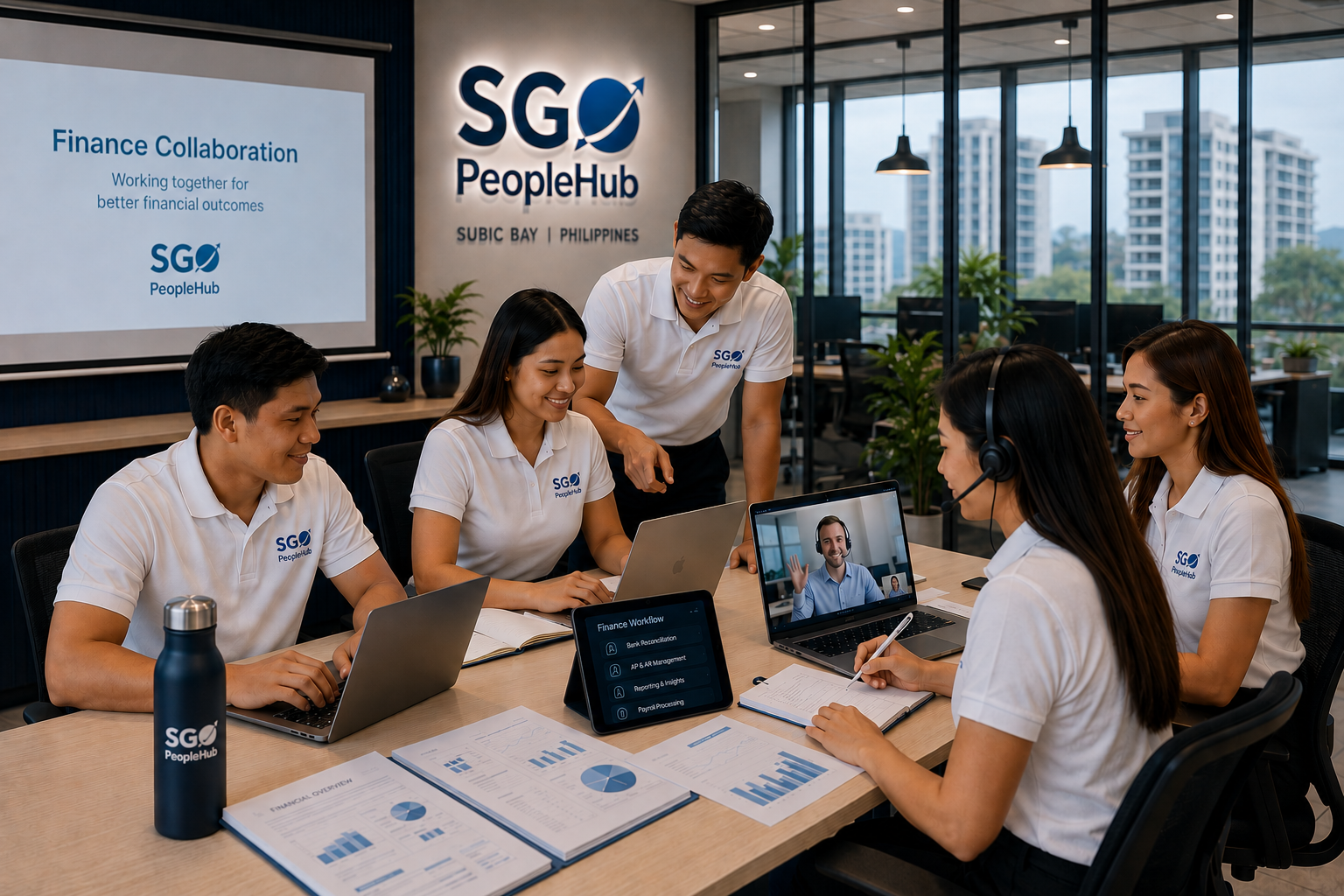


Planning to start working from home in the Philippines but not sure what setup you actually need?
You’re not alone. Many Filipinos want to start remote jobs in the Philippines but feel unsure about internet requirements, equipment, and the tools needed to work effectively from home.
The good news is that you do not need an expensive or complicated setup to get started.
You don’t need a perfect setup — you just need a reliable one.
Many successful remote workers in the Philippines started with simple home setups and improved them over time as they gained experience and income.
If you’re ready to begin your remote work journey, you can apply for remote jobs in the Philippines and start exploring opportunities while building your setup gradually.
In this guide, we’ll break down everything you need to work from home successfully, including internet requirements, equipment, workspace setup, and essential remote work tools.
Why Your Work From Home Setup Matters
Your setup directly affects:
- Your productivity
- Your communication quality
- Your reliability as a remote worker
- Your chances of getting hired
Employers want remote workers who can work consistently without constant technical problems or interruptions.
A good setup does not need to be luxurious — it simply needs to be dependable.
Internet Requirements for Remote Work
Your internet connection is the most important part of your remote work setup.
Here’s what you should aim for:
- Stable connection (not just fast speed)
- At least 20–50 Mbps internet speed
- Backup connection using mobile data or secondary provider
- LAN cable connection if possible
A stable connection is far more important than simply having the fastest plan available.
Unstable internet is one of the most common reasons applicants struggle with remote jobs.
Having a backup connection gives you a major advantage and improves your reliability significantly.
Essential Equipment You Need
You don’t need an expensive setup to begin, but there are a few essentials every remote worker should have.
1. Computer or Laptop
A reliable device capable of handling video calls, internet browsing, remote tools, and multitasking.
2. Headset with Microphone
Important for meetings, interviews, and communication with employers or clients.
3. Webcam
Required for interviews and video meetings. Most laptops already include one.
4. Quiet Workspace
A distraction-free environment where you can focus and communicate professionally.
5. Backup Power (Optional but Recommended)
A UPS or power bank can help protect your work during outages or interruptions.
You can always upgrade your equipment over time as your income increases.
Tools Used in Remote Jobs
Most remote jobs rely on a small number of commonly used online tools.
- Google Workspace (Docs, Sheets, Gmail)
- Zoom and Google Meet
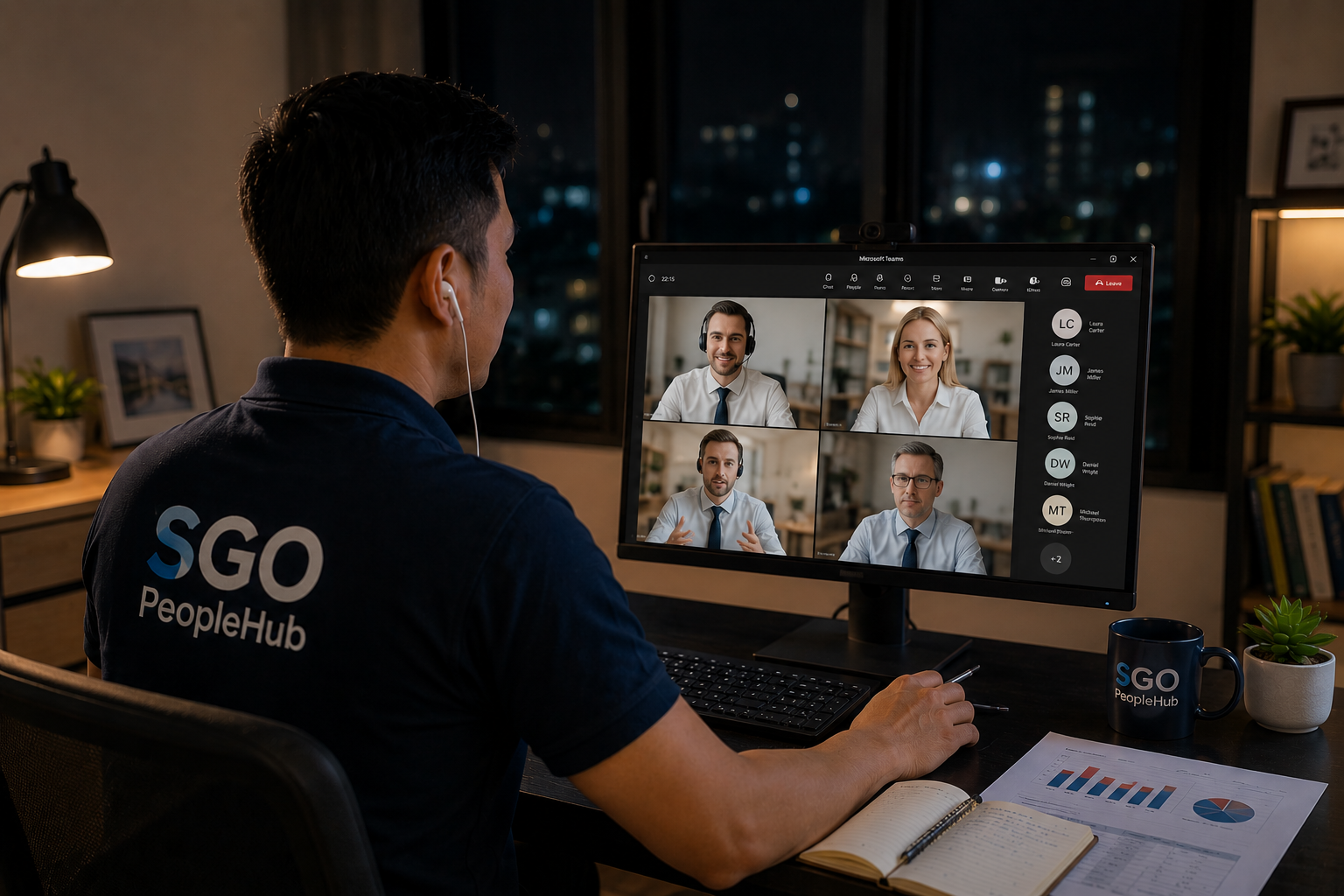
- Slack or Microsoft Teams
- CRM platforms
- Task management systems
These tools are widely used across customer support, virtual assistant, admin, and remote operations roles.
You don’t need to master them immediately — you’ll improve naturally while working.
How to Create a Productive Workspace
Your environment affects your focus, professionalism, and productivity more than most people realise.
To improve your workspace:
- Choose a quiet location
- Use good lighting
- Keep your desk organised
- Use a comfortable chair
- Reduce distractions
Even small improvements to your environment can make a major difference in performance and concentration.
Common Work From Home Setup Mistakes
Avoid these common mistakes:
- Relying on unstable internet
- Working in noisy environments
- Poor microphone audio quality
- No backup internet or power
- Overcomplicating your setup
Keeping your setup simple and reliable is often the best long-term approach.
Do You Need a Perfect Setup Before Applying?
One of the biggest misconceptions about remote work is believing you need a perfect setup before applying.
The truth is:
You do not need a perfect setup — you simply need a workable one.
Many remote workers improve their setup gradually after already getting hired.
Waiting too long for perfection often delays progress unnecessarily.
If you want to start sooner, you can join our talent pool and begin applying while upgrading your setup over time.
How to Improve Your Setup Over Time
As your income grows, you can gradually improve your work-from-home environment.
- Upgrade your internet plan
- Invest in better equipment
- Improve your workspace
- Learn additional tools
- Optimise your productivity setup
Most successful remote workers build their ideal setup step by step over time.
Quick Work From Home Setup Checklist
- Stable internet connection
- Reliable laptop or computer
- Headset with microphone
- Quiet workspace
- Basic understanding of online tools
If you can tick most of these boxes, you are already ready to start applying.
Why Starting Early Matters
Many people delay applying because they feel unprepared.
But taking action early gives you a major advantage.
The sooner you begin applying, the faster you:
- Gain experience
- Improve confidence
- Learn remote work systems
- Build professional skills
- Upgrade your setup naturally over time
If you want to move faster, you can browse remote job opportunities and start applying immediately.
You can also explore work from home jobs in the Philippines to discover additional opportunities.
Final Thoughts
Setting up for remote work in the Philippines does not need to be expensive or overwhelming.
What matters most is consistency, reliability, and willingness to improve over time.
Start with what you have, take action early, and improve your setup gradually as your career grows.
You can also explore opportunities like virtual assistant jobs in the Philippines or customer support remote jobs while building your remote career.
Ready to Start Working From Home?
Get matched with employers actively hiring remote workers in the Philippines today.